Showing posts with label iPad Apps. Show all posts

Wednesday, September 17, 2014

Creating the iBar- a Library iPad Kiosk


Exciting news this term! Our Library has been given funding to create an iPad kiosk - our iBar - we are in the process of creating a dynamic, useful, creative environment with these devices. The Apple Store inspired space will consist of 4 iPad Airs attached to a bar height shelf unit situated around a pillar. In keeping with our colourful library we’ve chosen lime green and red for the bar and stools. Above the bar, we will attach 4 notice boards to the pillar which will have a multitude of uses.

With the devices ordered, the next issue was how to secure the ipads – fix them to the desk and charge them up. There are a number of solutions and a range of prices. The table tablet mounts are available online. iLocks has a good range.

Red Tolix replica bar stools have been ordered and our school maintenance man is working on a design for the bar height shelf unit that has plenty of room for the devices, and a bit of depth in order for students to write something down if required.

Design sorted, it was time for the fun part – what Apps and books would I include at the Kiosk? We already have class sets of iPads and we also have a BYOD program and many students bring their own iPads to school – so the iBar is set to have a different focus – with a couple of different purposes.

Some time ago, we dismantled our reference collection and inter-mingled the dictionaries, large format books, atlases and so on into the general collection. The iPads will replace this collection with Apps such as The Barefoot Atlas , encyclopaedias, translation dictionaries and so on. The beauty of having these available at the kiosk is that the iPads will start up quickly – no logging onto a computer , the information is up to date (unlike print editions), information can be transferred by logging onto cloud storage such through Edmodo or Evernote.

 
The next type of App that will be found at the iBar  will be information apps of distinction. These are generally apps that are expensive to purchase in bulk. Titles such as Virtual History Roma and the The Elements and Building Titanic (National Geographic - free!) are three such apps to be included.

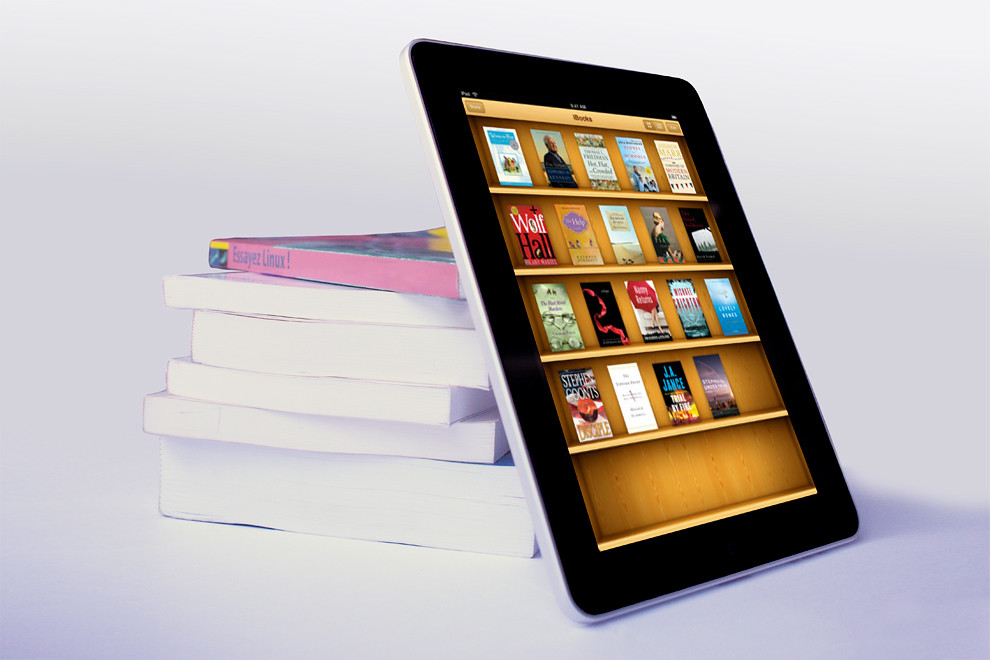
The iBar will also feature a collection of iBooks. Some of these will be free iBooks (search around there are lots that are fabulous examples of creative iBook building). Disney have put out several that are movie tie ins. Maleficent and Frankenweenie have movie trailers, interviews with producers and directors, information about the characters, settings, history of the stories in sumptuous productions. Other free iBooks we’ll be starting with include: Inside the world of indigenous culture, created by Siena Catholic College Qld, and Gallipoli (created by Australian Government Department of Veterans Affairs) are a couple of good examples. Do a Free iBooks search in the iBooks store. Some titles such as Dinosaur Zoo ($2.49) by Dotnamestudios are worth the payment.  Look for iBooks that fully utilise all the multimedia aspects such as galleries, video, interactive quizzes and pop-ups, some educational iBooks also include a facility to take notes, highlight and so on. In the future we will be getting into iBook creation ourselves – both by teachers and students. Free iBooks that will be great to include also will be ‘how to’ manuals on using apps, including one on iBooks author itself. (see iBooks Author the definitive guide)

 
I’ll be looking at including a number of titles in an e-magazine collection including tech titles, sport and teen interest and we'll consider moving some of our print subscriptions to electronic versions. This will be a work in progress and require user feedback to get it right. Creating our own e-zines is something that we are keen to do here as well. There’s good advice for e-zine publishers here http://www.pcvoyager.com/dir/ezines.html

Perhaps the most exciting set of apps we will be including at our iBar will be a selection of puzzle and games apps. Criteria for inclusion are that they must be interesting, creative, challenging and beautifully designed. We’ve chosen a number already. To get started check out the award wining, The Room and The Room 2, Year Walk, Tengami,  Botanicula  and then explore the makers of these games and see what’s new from them.

 
Notice boards above the iBar will allow students to share their thoughts about the games/puzzles, ask for help to complete the challenges, put up questions, clues etc. We hope this will be a collaborative activity that will challenge and inspire students in their writing, designing and creating of games and stories. Here we'll be able to publicise new apps and ibook and e-zine additions to the set.

That’s a huge start –we may find more uses for the iPads at the iBar, more ways we can have our students interact with the technology but until then this is more than enough to be working on.

Sunday, October 21, 2012

I’m ready to fail … but excited by the prospect


Reflections of the Festival of Learning 2012

My brain is hurting after 2 full days of mixing it with some of the best and most innovative teaching professionals around this weekend in Sydney.

It was with enormous excitement that we all sat down to the first keynote – Adam Elliot of Harvey Krumpet fame. He definitely set the tone of the event – fun, imagination and vision. Adam and other successful animators are people I am constantly talking to my students about when they are tackling a creative task and trying something new with technology – think big and follow your passions. I always have in the back of my mind that when I’m introducing my students to techniques such as animation and film-making that I might have a budding Adam Elliot somewhere in front of me. It was amazing to hear his story of his Oscar nomination and award – so inspiring!

It was then down to business…..with so much choice over the two days – it was a difficult decision about where to head to start my 2 day learning journey. The Everest Theatre space was a-buzz and filling up so I took up a front row seat for “There’s an app for that”. We were treated to a fabulous range of speakers presenting short bites packed full of great take-aways, practical tips and advice for going mobile. I’ve now got a bunch of new apps to investigate this week including: Demibooks Composer (interactive ebook creator) Haiku Deck, Scribble Press, Video Star, Sock Puppets, Photofunia and ibuild (app making software). It was reassuring also to see teachers recommending apps that I have already considered including Skitch, Creative book builder, Popplet, Explain everything, Educreations and iMovie. Greg Alchin’s insight into the assistive capabilities really did show the versatility of mobile devices for all.

Through the day I explored the PLANE website – building relationships with teachers met during the day, investigating the different tools and looking at the possibilities for further professional development once the festival was over.

The theme of risk-taking was addressed by Dr Sarah Howard in the closing keynote for the day. This concept is one PYP educators are familiar with and one that is particularly relevant as I now contemplate the road ahead with technology back at my school. This keynote was an omen of what I was to reflect on during Day 2.

Over the last few years I have been on safe ground with a familiar with a range of tools, comfortable with desktop and laptop computers, increasingly better internet connections and wifi, web 2.0 tools and their possibilities and our easing into working in social spaces. Day 2 proved to be the ‘game-changer’, literally. Opting to head downstairs into the basement spaces for “Permission to Play”, I was ready to be impressed and a little daunted by what I saw and heard about. We’ve dabbled in Kodu and I’ve talked with students and teachers on and off about the possibilities of Minecraft and we’ve created games using 2DIY (2simple software) – however I was blown away by the work being done by Lucas Gillespie with Portal 2 and other game platforms, Bronwyn Stuckey and Quest Atlantis and Kate Booth (pre-service teacher) who presented on Sim on a Stick. This will be where my spectacular failure will begin. Not being a native gamer, its time to muscle up, have some fun, fail dismally and see the possibilities for my students in the game space and the virtual world. I knew it was coming, I’m unprepared, but I’m excited and ready to fail in order to excite.

Game on! 

Dr Jason Fox's closing comments and wrap up gave me permission to feel daunted, suggested the space to think, reflect and dream and allowed us to feel good about what's ahead - all in a set of beautifully crafted conference doodles.
I’m feeling a bit the same as when I was first introduced to Web 2.0 at a conference in Singapore in 2006 – completely energized by the possibilities. So what will be my 4 priorities over the rest of this term and into 2013?
  • ·      Bed down the productivity and creative apps we want in our initial ipad roll out
  • ·      Investigate the possibilities of virtual worlds and quest based learning by signing up to a Quest Atlantis teacher training session and check out Sim on a Stick as a starter to working in VW’s and approach some teachers who might be willing to take a risk
  • ·      Look seriously at Minecraft and Portal 2 and get a little practice in!
  • ·      Move forward with my PLANE journey
  • ·      Excite my teachers to coming along for the ride


A HUGE thank you to PLANE, the generous fellow teachers who presented, my twitter network who showed friendship during the 2 days and my new network buddies, I’m looking forward to following you in the future – it was a brilliant 2 days.


Monday, June 18, 2012

My Random Top 5 iPad Apps for Learning


The exciting thing about the iPad (and indeed any tablet brand) is the proliferation of Apps that have uses in the classroom. The Apps I like the best are open ended and creative, assist critical thinking or collaboration and excite students to stretch their imagination.

This is my current Top 5. This will change as more Apps become available and are shared by educators around the world.

1) Aurasma. This App provides the potential to create and share an interactive learning environment. A little bit Harry Potter - a little bit QR code - Aurasma connects an image with a recorded video. The potential for educational applications is unlimited. Students can record their responses to books, talk about photographs or works of art, discuss historic events or describe a scientific principle. The student 'voice' is revealed via iPhone or iPad.

2) Skitch. This one's been around for a while but I like the interface Skitch offers. A nice feature is the inbuilt capture tool - take a photo in the App and immediately start annotating. All the tools are here - cropping, drawing, arrows, shapes. It all integrates with Evernote as well as sending via email or twitter. Students and teachers alike can share thinking, brainstorm ideas or just have plain fun with photos and other images.

3) Puppet Pals. This one's been a huge hit with the educational community and I can see why. Puppet Pals is a creative way to present stories - storyboard, create characters, and develop speaking and listening skills. The free version comes with several backgrounds and actors, the paid version allows for a more diverse selection of characters and backgrounds. You can even create your own. Its such fun and so engaging. Students love to see themselves as part of the action!

4) Faces iMake. This is a bit of fun and is hugely creative. It comes in a Lite version for iPhone, and a paid version for iPad. Remember Mr Potatohead? Well this App allows your imagine to run wild with vegies and other objects. Create unique faces, landscapes, objects, animals and share with the world via Facebook or email. Have students create a collage of a character in a novel or an historical figure, design their own self portrait or create a fantasy landscape in which to set their own stories.

5) Screen Chomp. Flipping your classroom? Screen chomp is an easy to use (and free!) recordable whiteboard. Show Me is a similar App. It has a multiple applications - as an assessment tool, as part of a digital portfolio, or as a record of your explanations that can be played over and over. Record on the whiteboard and narrate at the same time.